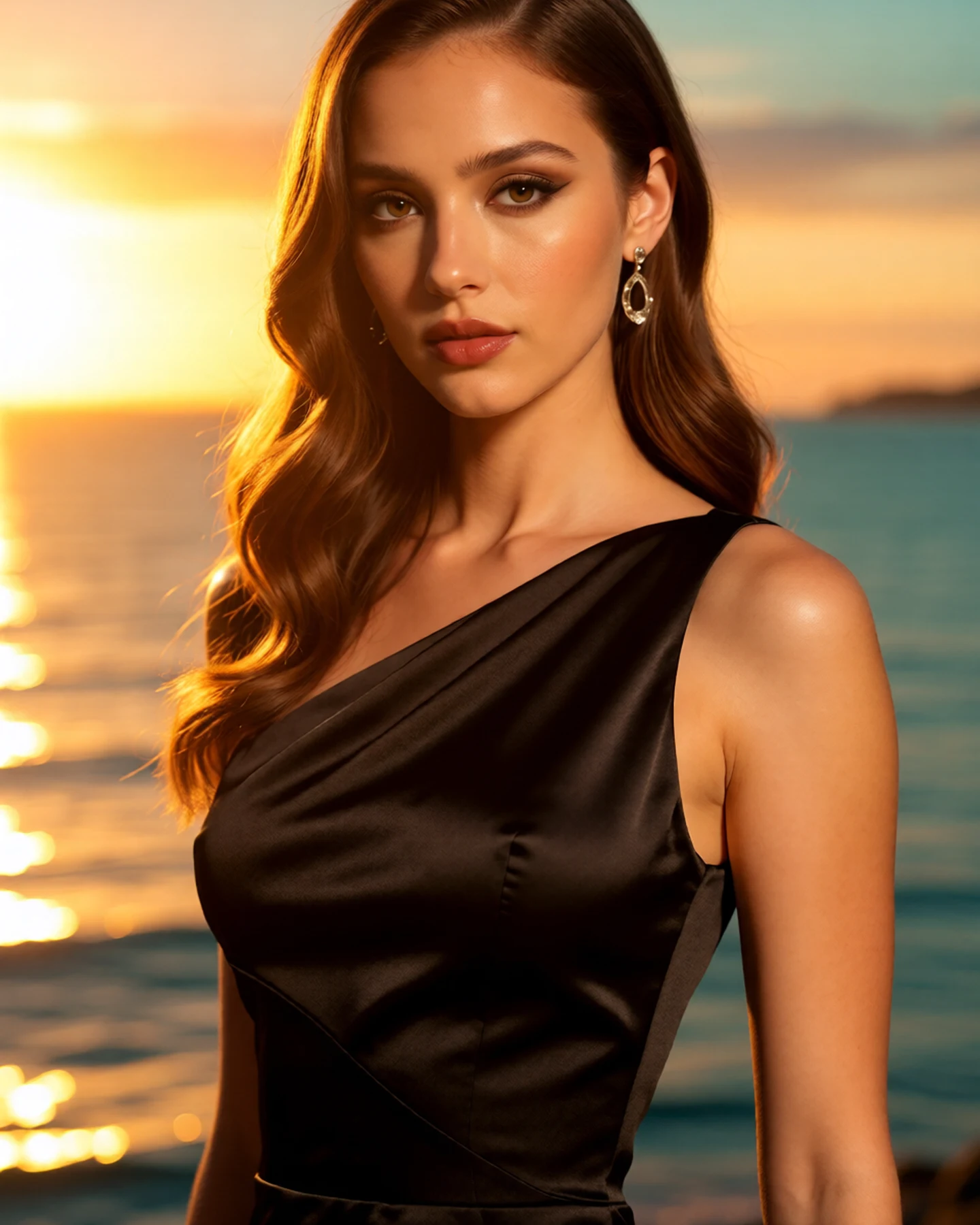
Upload a portrait and choose a soft sunset mood. Fayvoro generates a new image with warm directional light, gentle shadows, and an evening glow inspired by your source.
JPG, PNG or WebP · Up to 10 MB
Review the prompt and credit cost in the studio before generating.
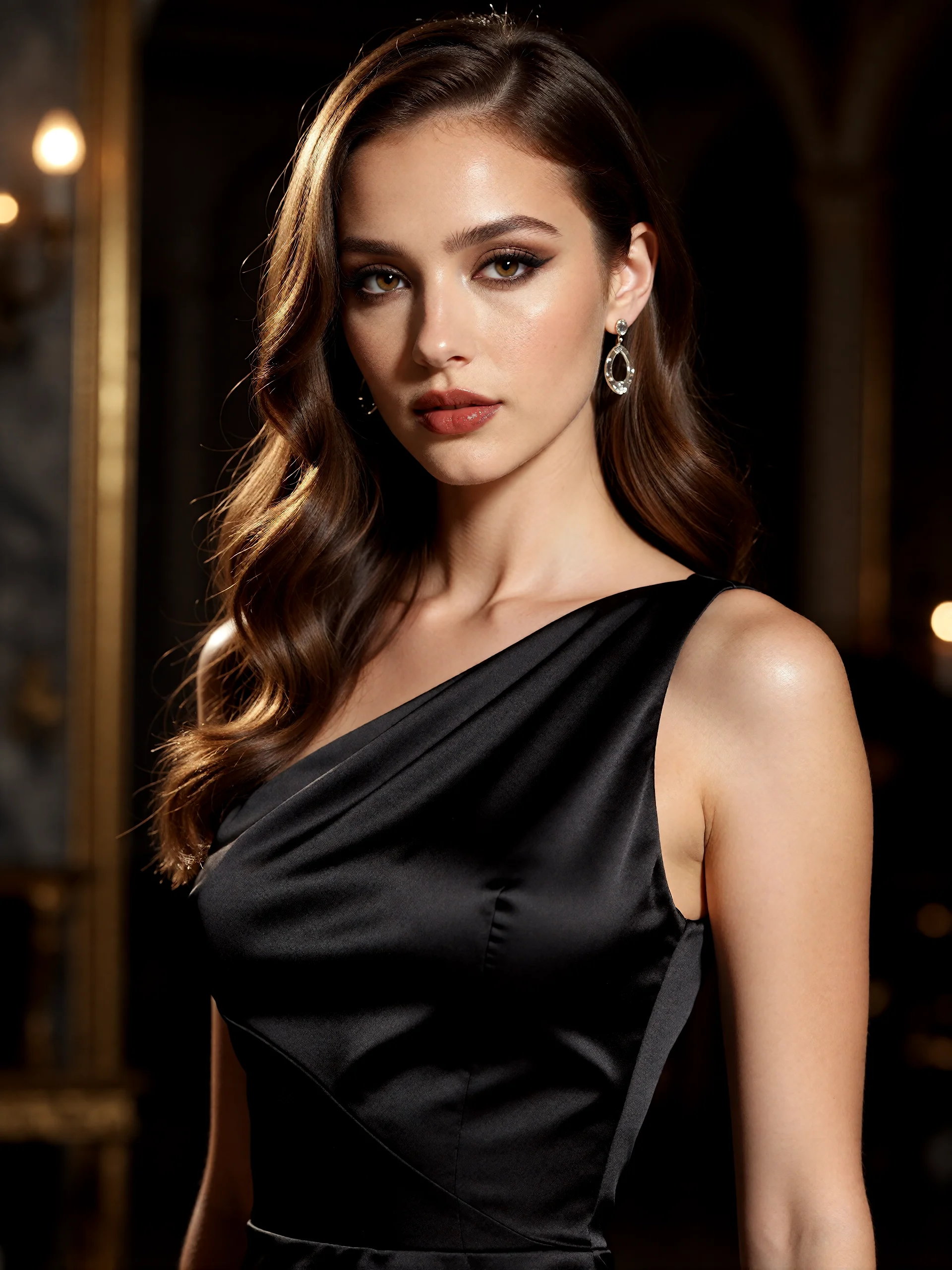
An AI-created edit of the fictional reference shown here. Compare the face, structure and details before using your own result.
A FEW WAYS IN
Explore the example. Make it yours.
Open a prompt to see the starting idea. You choose when to generate.
AI INSPIRATION
REFERENCE
Last light, rich golden color
An AI-created edit of the fictional reference shown here. Compare the face, structure and details before using your own result.
Explore the prompt
Relight this fictional adult woman with vivid believable golden-hour sunlight. Keep her recognizable adult face, chestnut waves, black satin gown and composed pose. Low warm sun from behind left creates a brilliant golden halo along the hair, amber skin highlights and soft long shadows; her face stays clear with gentle fill. Replace the backdrop with an out-of-focus golden coastal evening, rich honey, peach and muted teal colors. Natural skin, no text or added people.
MAKE IT MORE YOURS
A little intention. A different image.
01
Choose where the sunset should fall
Golden-hour light feels convincing when it has a clear direction. Ask for low sunlight from the left or right, a warm rim behind the hair, or a soft glow across one cheek. A portrait with visible facial detail gives the model more to work with than a heavily shadowed source. Keep the requested light consistent across the face and background.
02
Balance warmth with natural skin color
A sunset treatment can become orange if every part of the image receives the same tint. Describe warm highlights, gentle neutral shadows, and realistic skin color to keep the portrait readable. For an outdoor scene, a subdued sky and small highlights on hair or clothing can communicate the time of day without an oversized sun filling the background.
03
Match the mood to the photograph
A beach portrait can use open, hazy light; a garden portrait may suit filtered sunlight and softer contrast. Review facial identity, eye detail, and the transition between light and shadow after generation. This is an AI reinterpretation of the photograph, so small scene details can change. If you mainly want a controlled studio light position, try the photo relighting page for that direction.
BEFORE YOU BEGIN
A few useful answers.
Can I add golden-hour light to an indoor photo?+
Yes. Describe low warm window light and keep the room visible in your prompt. The model generates a new lighting interpretation, so check that the shadows suit the room.
How do I avoid an orange skin tone?+
Ask for natural skin color, warm highlights only, and neutral soft shadows. You can also request a gentle sunset effect rather than a strong amber treatment.
Will the background remain exactly unchanged?+
The source guides the scene, but generation can modify background details. Inspect the result if you need recognizable landmarks or objects.
How is this different from AI relighting?+
Golden hour focuses on low sunset light and a warm outdoor mood. Photo relighting covers a wider range of studio positions, softboxes, rim lights, and cool or neutral lighting.