Upload one photo of you together and describe a new portrait setting. Generate a couple-photo concept with a chosen atmosphere, coordinated styling, and considered light.
JPG, PNG or WebP · Up to 10 MB
Review the prompt and credit cost in the studio before generating.
A Fayvoro demonstration from the AI-created reference shown here. Compare the result with your own source before using it.
A FEW WAYS IN
Explore the example. Make it yours.
Open a prompt to see the starting idea. You choose when to generate.
MADE WITH FAYVORO
REFERENCE
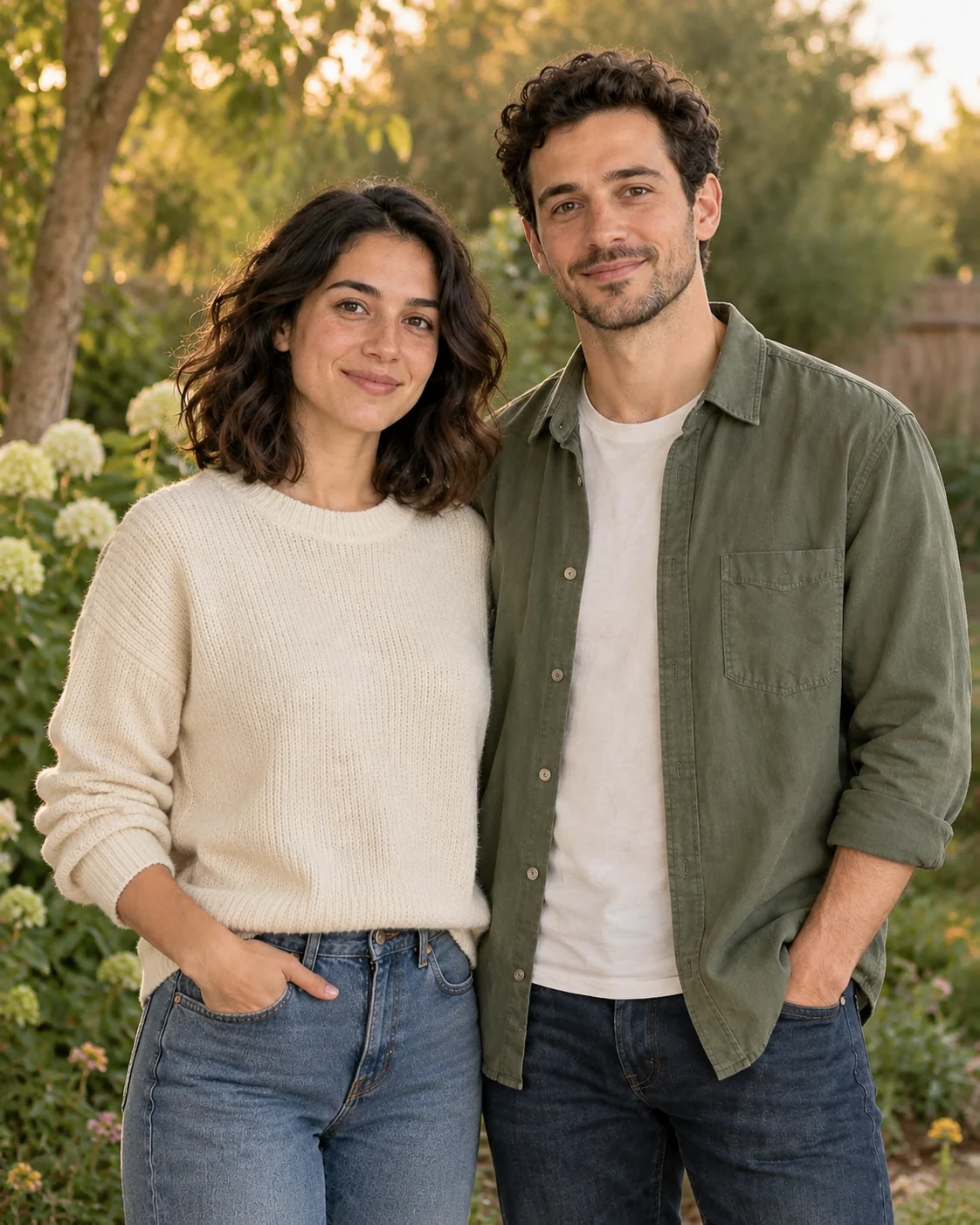
Fictional garden-couple portrait demo
A Fayvoro demonstration from the AI-created reference shown here. Compare the result with your own source before using it.
Explore the prompt
Reimagine the two people in the uploaded couple photo as a relaxed portrait in a quiet garden at soft evening light. Aim to retain both people's facial features, ages, hairstyles, and natural relationship in the original pose. Use coordinated neutral casual clothing, subtle greenery, and a softly blurred background. Keep the scene affectionate and understated. No extra people, lettering, or logos.
MAKE IT MORE YOURS
A little intention. A different image.
01
Choose one photo with two visible faces
Start with a picture where both people are in focus and neither face is much smaller than the other. Similar lighting and a comfortable shared pose provide a clearer reference than a heavily cropped selfie. Leave room around shoulders and hands if they are part of the composition. This workflow begins with one image of the couple together, rather than joining two individual portraits into a new relationship scene.
02
Define the kind of togetherness you want to show
A quiet garden walk, a relaxed cafe portrait, and a formal anniversary picture each suggest different clothing and posture. Choose one setting and describe the mood in practical visual terms: warm evening light, muted colors, natural expressions, or a simple studio background. Let coordinated outfits complement each other instead of matching exactly. Keep the original pose as a reference when you want the interaction to remain familiar.
03
Check both people and the space between them
Compare each face with the source, then inspect touching hands, overlapping arms, hair, and clothing edges. Couple images can look convincing at first glance while one person changes more than the other. Check that eye lines and the physical arrangement make sense together. Save only a result that both people are comfortable using. A generated portrait is an edited scene and should not be presented as a documentary photograph of a real outing.
BEFORE YOU BEGIN
A few useful answers.
Can I upload two separate selfies?+
This page uses one photo containing both people. It does not promise to combine separate portraits into an accurate couple image.
Can I keep the pose and change the setting?+
Describe the existing pose as something to retain and specify the new backdrop and lighting. Review bodies and faces for unintended changes.
What makes a couple reference easier to use?+
Choose two clearly visible faces, similar lighting, and a comfortable pose. Avoid a crop where one person's face or hands are mostly hidden.
Can this be an anniversary photo concept?+
Yes. Describe an anniversary mood, outfits, and setting. Check both people's likeness and label the result appropriately as an edited portrait.