Explore bridal silhouettes with AI wedding dress try-on
Upload a photo of yourself and describe a bridal look. Generate a wedding-dress styling concept to compare silhouettes, necklines, fabrics, and the mood you want to explore.
JPG, PNG or WebP · Up to 10 MB
Review the prompt and credit cost in the studio before generating.
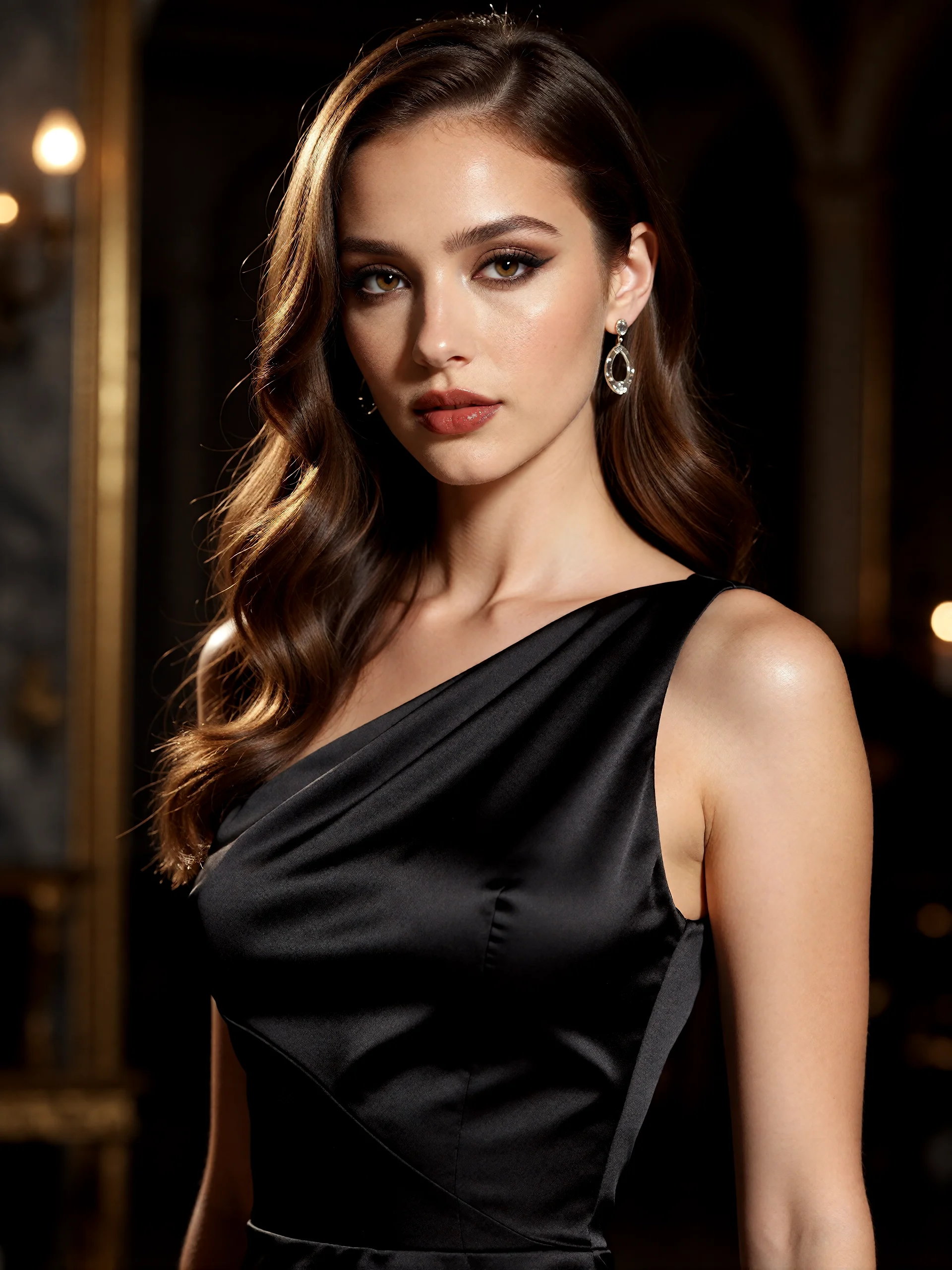
An AI-created edit of the fictional reference shown here. Compare the face, structure and details before using your own result.
A FEW WAYS IN
Explore the example. Make it yours.
Open a prompt to see the starting idea. You choose when to generate.
AI INSPIRATION
REFERENCE
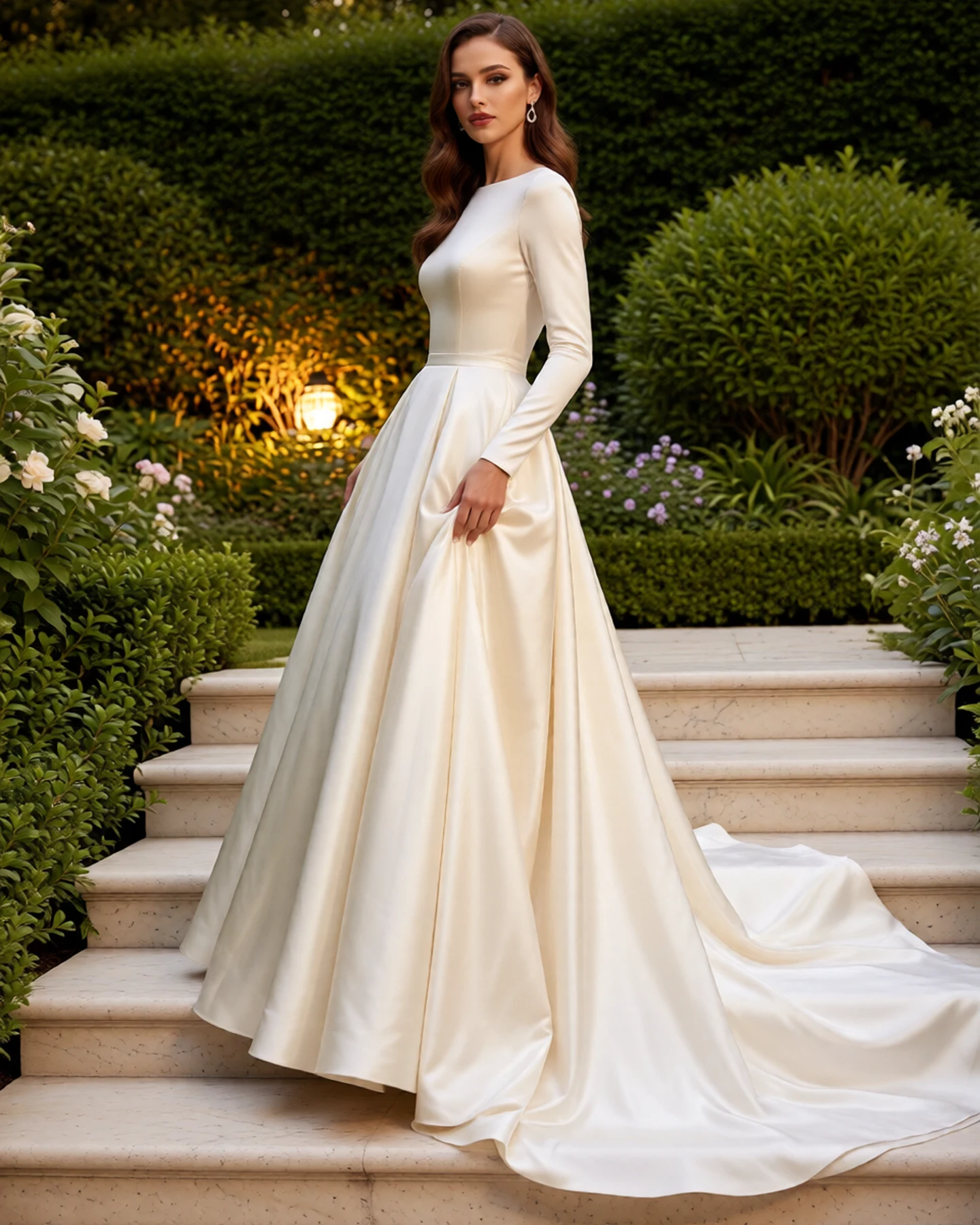
An ivory silhouette in garden light
An AI-created edit of the fictional reference shown here. Compare the face, structure and details before using your own result.
Explore the prompt
Create a full-length bridal fashion portrait of this fictional adult woman, preserving her recognizable face and chestnut waves. An opaque ivory satin wedding gown: high bateau neckline, long fitted sleeves, solid covered bodice, sculptural waist and grand A-line skirt with a sweeping train. No transparent fabric or cutouts. She stands three-quarter, lightly gathering the skirt. Lush green garden, pale stone steps, warm side light and detailed satin folds. No text, logos or other people.
MAKE IT MORE YOURS
A little intention. A different image.
01
Match the photo to the dress decision
Choose a photo that shows the area you want to compare. A portrait can help explore a neckline and hairstyle pairing, while a wider reference provides more context for the waist and overall silhouette. Keep the pose comfortable and avoid covering the torso with bags or crossed arms. Clear lighting makes it easier to review how the imagined dress relates to your original appearance.
02
Compare silhouette before adding embellishment
Start with one major direction: a simple A-line shape, a fluid column, or a fuller skirt. Then describe the neckline, sleeves, and material, such as satin, lace, or airy tulle. Change one important element at a time so you can tell which choice creates the look you prefer. A restrained background and minimal jewelry keep attention on the dress rather than turning the exercise into a complete ceremony scene.
03
Bring the concept to a real fitting
Review your face, body proportions, garment edges, and the way the generated fabric falls. Lace, veils, and detailed beading may need especially close inspection. The image is an imagined bridal styling preview, not a measurement or a precise transfer of a dress from a product photograph. It cannot establish size, comfort, movement, or alterations. Use the preferred direction as a conversation starter when trying actual gowns with a bridal consultant.
BEFORE YOU BEGIN
A few useful answers.
Will this show the exact fit of a real wedding dress?+
No. It creates an imagined bridal styling concept. Sizing, structure, comfort, and alterations need an actual fitting with the real garment.
Can I copy a dress from a separate product photo?+
This page uses one person photo and a written style description. Precise transfer from a second garment image is not part of the workflow.
How is this different from wedding photo generation?+
This page focuses on one person and bridal styling choices. The wedding photo page explores a two-person portrait and the atmosphere of a shared wedding scene.
What should I describe first?+
Start with the silhouette, neckline, sleeves, and fabric. Add accessories after you have a clearer idea of the dress shape you want to explore.