Upload a portrait and describe a haircut or texture. Create a visual hairstyle preview to compare length, shape, volume, and how the hair frames your face.
JPG, PNG or WebP · Up to 10 MB
Review the prompt and credit cost in the studio before generating.
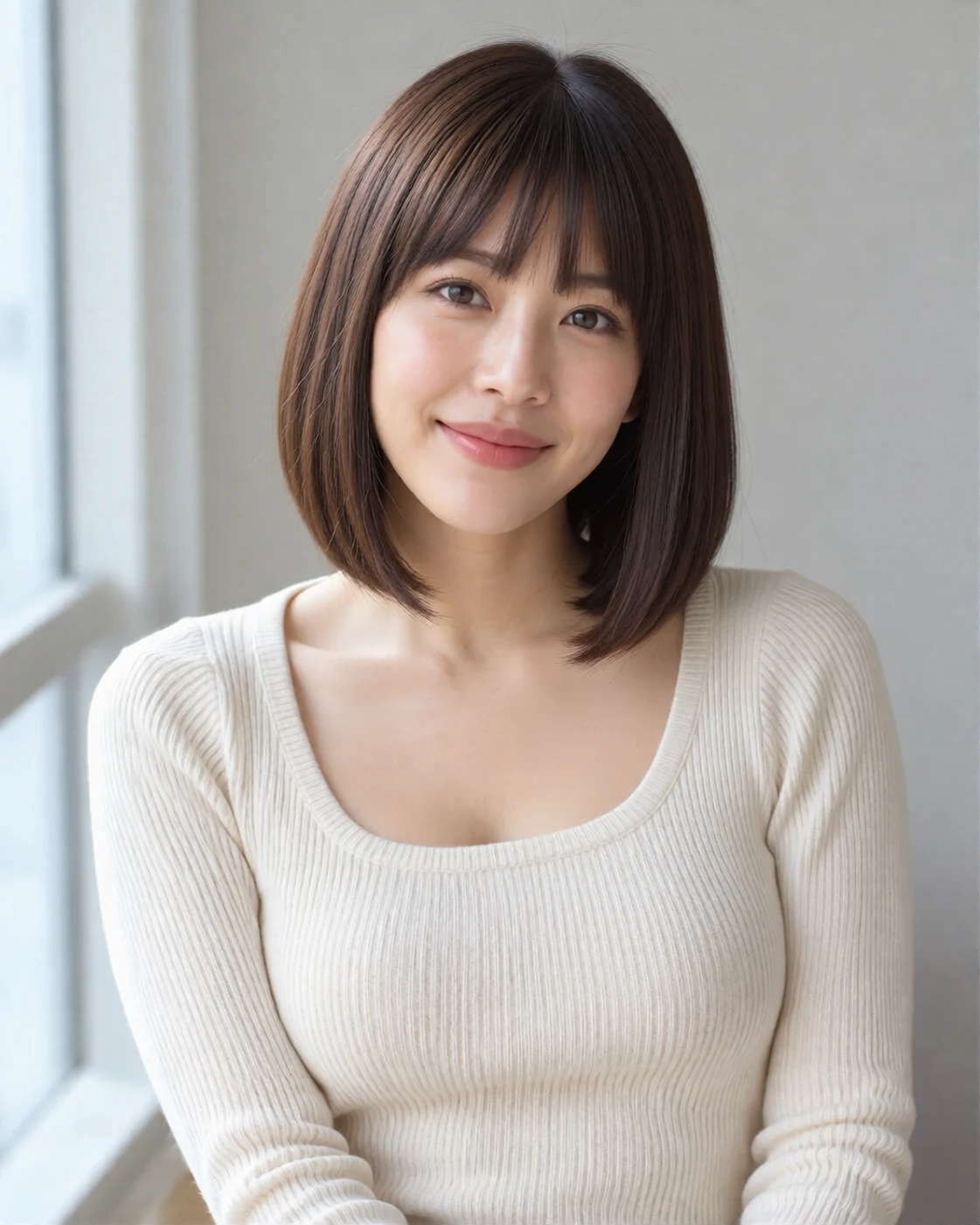
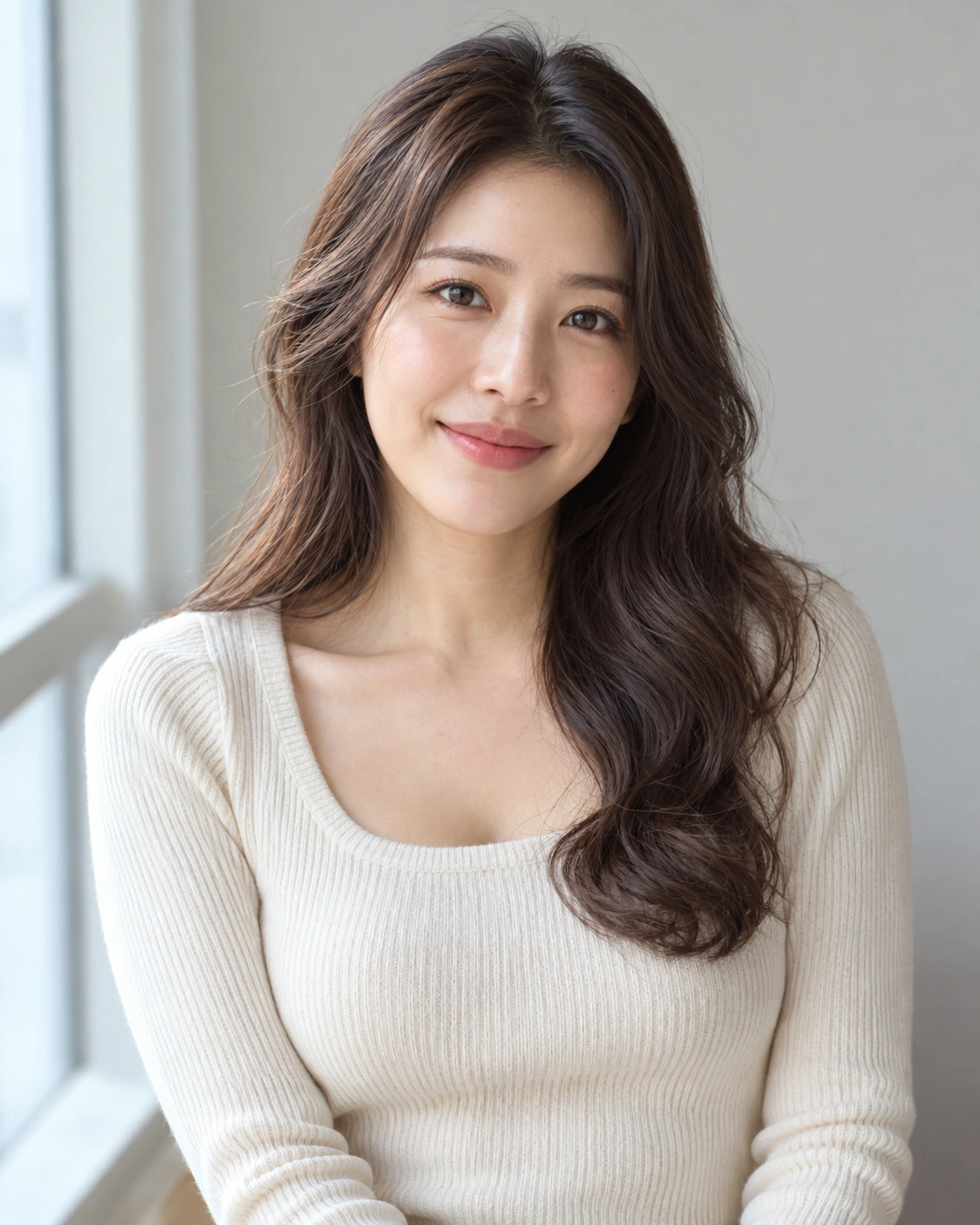
An AI-created edit of the fictional reference shown here. Compare the face, structure and details before using your own result.
A FEW WAYS IN
Explore the example. Make it yours.
Open a prompt to see the starting idea. You choose when to generate.
AI INSPIRATION
REFERENCE
A sharp French bob
An AI-created edit of the fictional reference shown here. Compare the face, structure and details before using your own result.
Explore the prompt
Change only this fictional adult woman's hairstyle to a striking chin-length French bob with precise blunt ends and short straight bangs, retaining her original dark brown hair color. Make the shorter silhouette clearly visible around both cheeks and above the shoulders. Preserve her recognizable adult face, skin, ivory knit top, original pose and daylight window background. Realistic individual hair strands and believable hairline. No text or accessories.
MAKE IT MORE YOURS
A little intention. A different image.
01
Make the face and hairline easy to read
Choose a front-facing or slightly angled photo with the forehead, ears, and shoulders visible where possible. These landmarks help you judge how a new fringe or length frames the face. Keep the background simple, especially around dark hair. If your reference has tightly tied hair, mention that you want a loose style so the intended change is clear from the start.
02
Describe the cut in practical terms
Combine a length, outline, and texture: a chin-length blunt bob, a short tapered cut, or long layers with loose curls. For a fringe, specify its length and whether it is full, wispy, or swept to the side. Change one major feature at a time if you are comparing options. Keeping the color stable makes it easier to see whether the shape itself suits your preferred look.
03
Treat the image as a salon conversation aid
Review the hairline, ears, jaw, and shoulder edges for unexpected changes. Check whether volume and curl scale look plausible rather than focusing only on an attractive overall image. A preview does not account for hair density, growth patterns, styling effort, or how your natural texture behaves after a cut. Use the result to explain a direction to a stylist, who can advise what is practical for your hair.
BEFORE YOU BEGIN
A few useful answers.
Can I preview bangs or a fringe?+
Yes. Describe the fringe length, density, and shape, and use a portrait with the forehead and face clearly visible.
Can it predict how my natural curls will behave?+
No. It illustrates a look rather than simulating real hair. Density, growth direction, shrinkage, and styling routines need a stylist's assessment.
How is this different from the hair color changer?+
This page focuses on cut, length, shape, and texture. Use the hair color page when you want to compare shades while keeping the haircut similar.
Can I keep my face and clothing unchanged?+
Include that request in the prompt, then compare the result with the source. Generated hairstyle edits can still alter nearby facial or clothing details.