Explore a design with the AI tattoo generator

Describe a motif, drawing style, and intended shape to create a tattoo concept. Use the bitmap artwork to refine your ideas before working with a tattoo artist.

3 free signup credits · No card neededExplore the directions
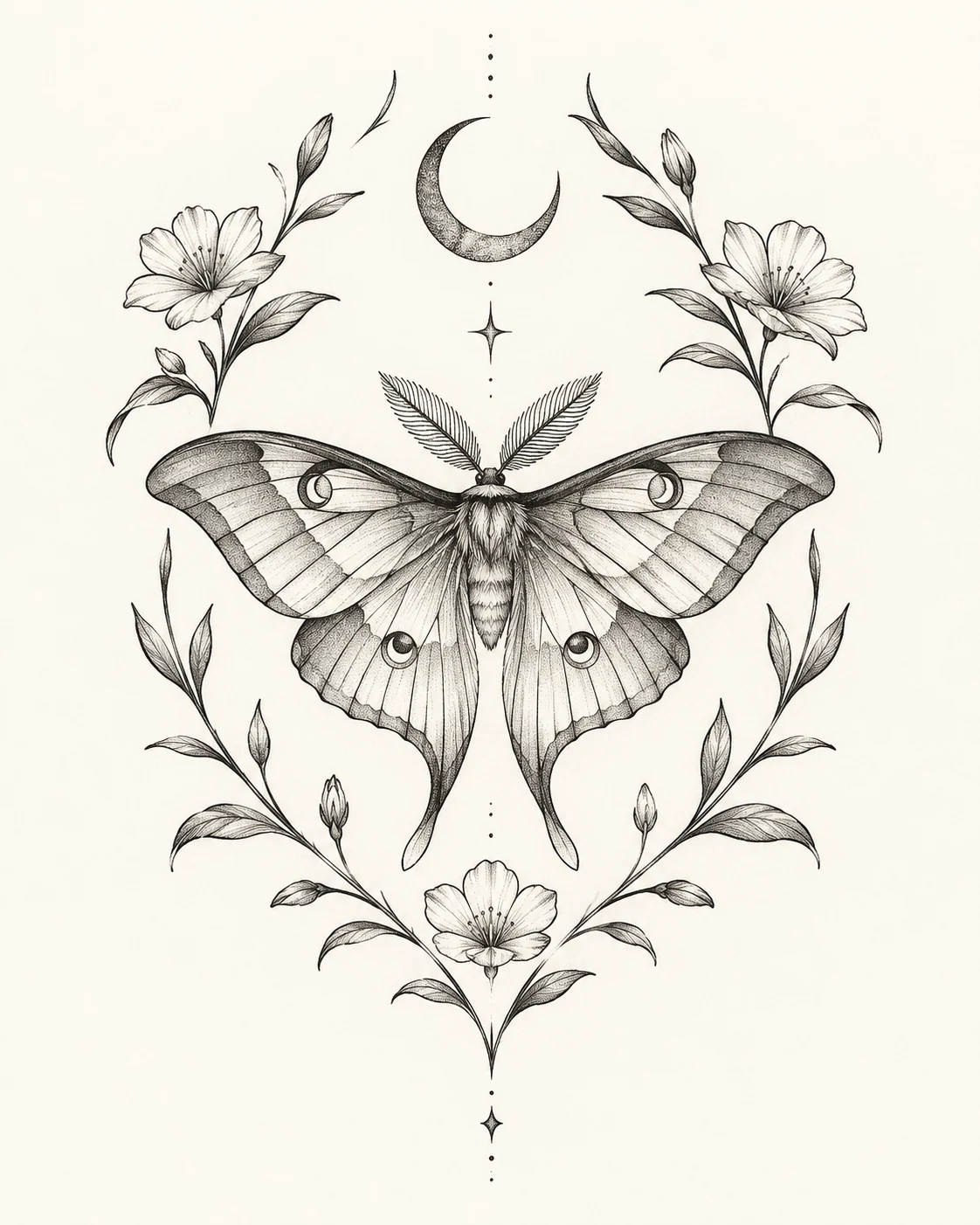
Fictional demonstration of a black-ink moth, botanical stems, and crescent moon arranged as a tattoo design concept.
MADE WITH FAYVORO · Created with Fayvoro from the prompt below. This is an original demonstration, not a customer example.
A FEW WAYS IN

Explore the example. Make it yours.

Open a prompt to see the starting idea.
You choose when to generate.

Fictional demonstration of a black-ink moth, botanical stems, and crescent moon arranged as a tattoo design concept.
MADE WITH FAYVORO

Fictional moth-and-botanical tattoo concept

Created with Fayvoro from the prompt below. This is an original demonstration, not a customer example.

Explore the prompt

Create an original black-ink tattoo concept of a moth framed by curved botanical stems and a small crescent moon. Use a balanced vertical composition, clear fine linework, selective dot shading, and generous skin-like negative space on a plain warm-white background. Keep the motif readable without tiny ornamental clutter. Show the standalone artwork, not a tattoo on a body. No lettering.

MAKE IT MORE YOURS

A little intention. A different image.

01

Build around a motif with room to breathe

Start with a subject or personal theme, then decide how much symbolism belongs in one design. A moth with a few botanical elements gives a different result from a dense collage of meaningful objects. Mention the overall shape, such as a narrow vertical piece or a rounded emblem. That helps the composition feel deliberate before you consider smaller ornament or shading details.

02

Choose linework and contrast consciously

Describe fine linework, bold black shapes, stippled shading, or a restrained use of color. Include the intended approximate visual scale so the concept does not depend entirely on tiny marks. Negative space can be as important as the inked areas, particularly around overlapping petals, feathers, or geometric forms. Ask for the artwork on a plain background when you want to compare the drawing itself without a body mockup.

03

Take the concept to a tattoo professional

Look for tangled lines, accidental symbols, uneven symmetry, and details that become unclear when the image is reduced. A generated bitmap can communicate your preferred direction, but it is not a stencil ready for tattooing. A professional artist should adapt the drawing to placement, scale, skin, and how lines may age. Proofread any requested lettering separately, and confirm the final design with the artist before proceeding.

BEFORE YOU BEGIN

A few useful answers.

Is the result a tattoo stencil?+

No. It is a bitmap design concept. A tattoo professional needs to assess and redraw or prepare it for the chosen placement and technique.

Can I ask for a sleeve concept?+

You can explore a tall thematic composition, but it will not map accurately around an arm or solve all the transitions of a complete sleeve.

How should I describe a fine-line tattoo?+

Name the main motif, outline weight, shading style, amount of negative space, and overall shape. Keep small decorative details limited.

Can I include a name or quotation?+

You can request lettering, but generated characters may be inaccurate. Have the exact wording, spelling, and placement checked and prepared separately.

THE NEXT IMAGE COULD BE YOURS

Follow the idea.