Upload a photo with a clear outline and describe the contrast you want. Create a new silhouette image that emphasizes the shape of a face, hairstyle, or pose.
JPG, PNG or WebP · Up to 10 MB
Review the prompt and credit cost in the studio before generating.
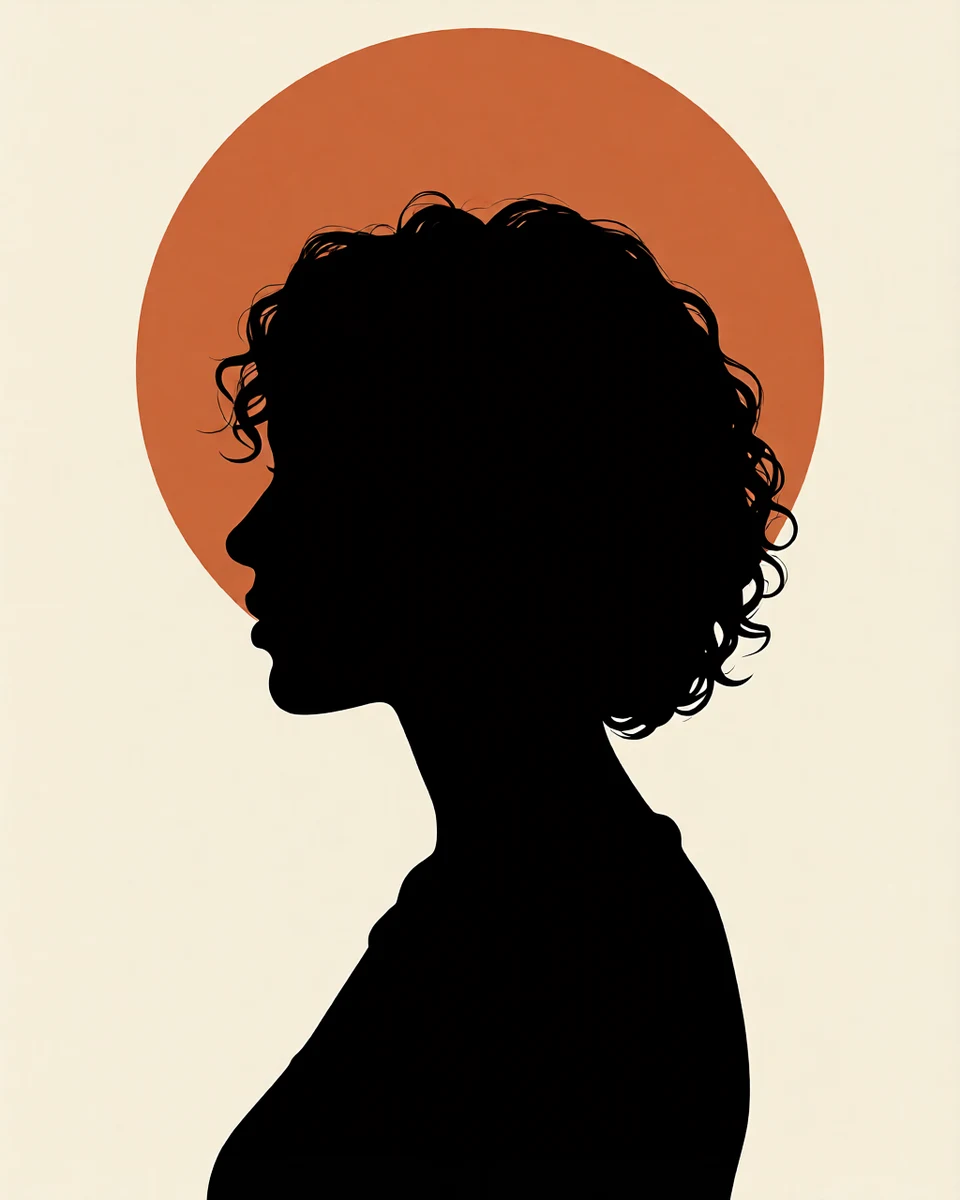
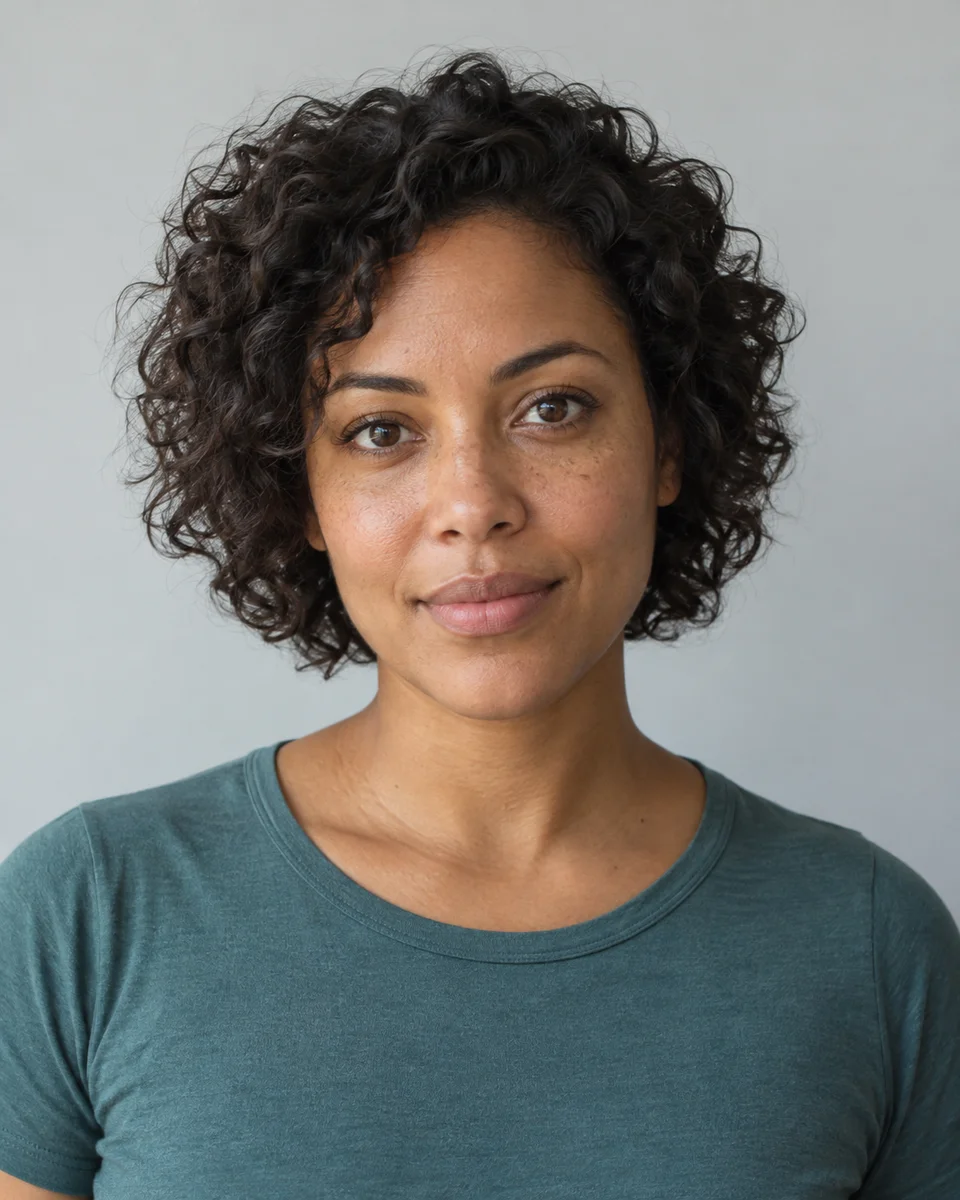
An AI-created edit of the fictional reference shown here. Compare the face, structure and details before using your own result.
A FEW WAYS IN
Explore the example. Make it yours.
Open a prompt to see the starting idea. You choose when to generate.
AI INSPIRATION
REFERENCE
A profile reduced to its essentials
An AI-created edit of the fictional reference shown here. Compare the face, structure and details before using your own result.
Explore the prompt
Turn this fictional adult woman into crisp two-color silhouette art. Rotate into a strict left-facing side profile with a clearly separated forehead, nose, lips and chin; keep her distinctive short curly hair outline and adult shoulder shape. Render the entire subject solid near-black with no internal face detail. Place a large burnt-orange circle behind the head on warm ivory, generous clean negative space and razor-sharp contours. No shading, text or added figures.
MAKE IT MORE YOURS
A little intention. A different image.
01
Start with an outline you can read
A side-profile photograph makes the nose, lips, and chin easier to distinguish in silhouette. A front-facing portrait can work when the hairstyle or shoulders create a distinctive shape. For a full-body image, separate arms from the torso and avoid overlapping legs. Those small gaps help the pose remain readable once interior detail disappears.
02
Decide how much detail to remove
A classic silhouette uses one solid shape against a plain background. A backlit artistic version may retain a thin rim of light or a few environmental details. Specify which direction you want, along with two contrasting colors. For a couple or group, ask for a small visible gap between heads so individual profiles do not merge into one confusing shape. Remove busy props when their outline distracts from the people.
03
Use the image at the right scale
Inspect the outline at the size you expect to share it. Fine hair strands and tiny gaps may disappear in a small avatar, while a broad shape stays clear. Fayvoro produces a raster image; it does not trace a precise vector cutting path. If you plan to cut vinyl or engrave the design, prepare and check the production artwork separately.
BEFORE YOU BEGIN
A few useful answers.
Which photo works best for a profile silhouette?+
Use a side-on view with the face unobstructed and the head separated from the background. A clear nose, chin, and hairstyle outline gives the model more useful shape information.
Can I make a silhouette of two people?+
Yes. Use a clear source and request a gap between the profiles. Overlapping heads or hands can blend together, so inspect those areas in the generated image.
Will I get an SVG or a cutting file?+
This workflow generates an image. It does not provide a traced SVG, vinyl cutting path, or engraving-ready file.
Can I change the background color?+
Yes. Name the subject color and background color in the prompt. Choose a strong contrast if the silhouette will appear at a small size.