Picture your next fantasy adventurer

Describe an adventurer’s appearance, class, gear, and mood. Generate an original fantasy portrait to help visualize a DnD character or a homebrew tabletop hero.

3 free signup credits · No card neededExplore the directions
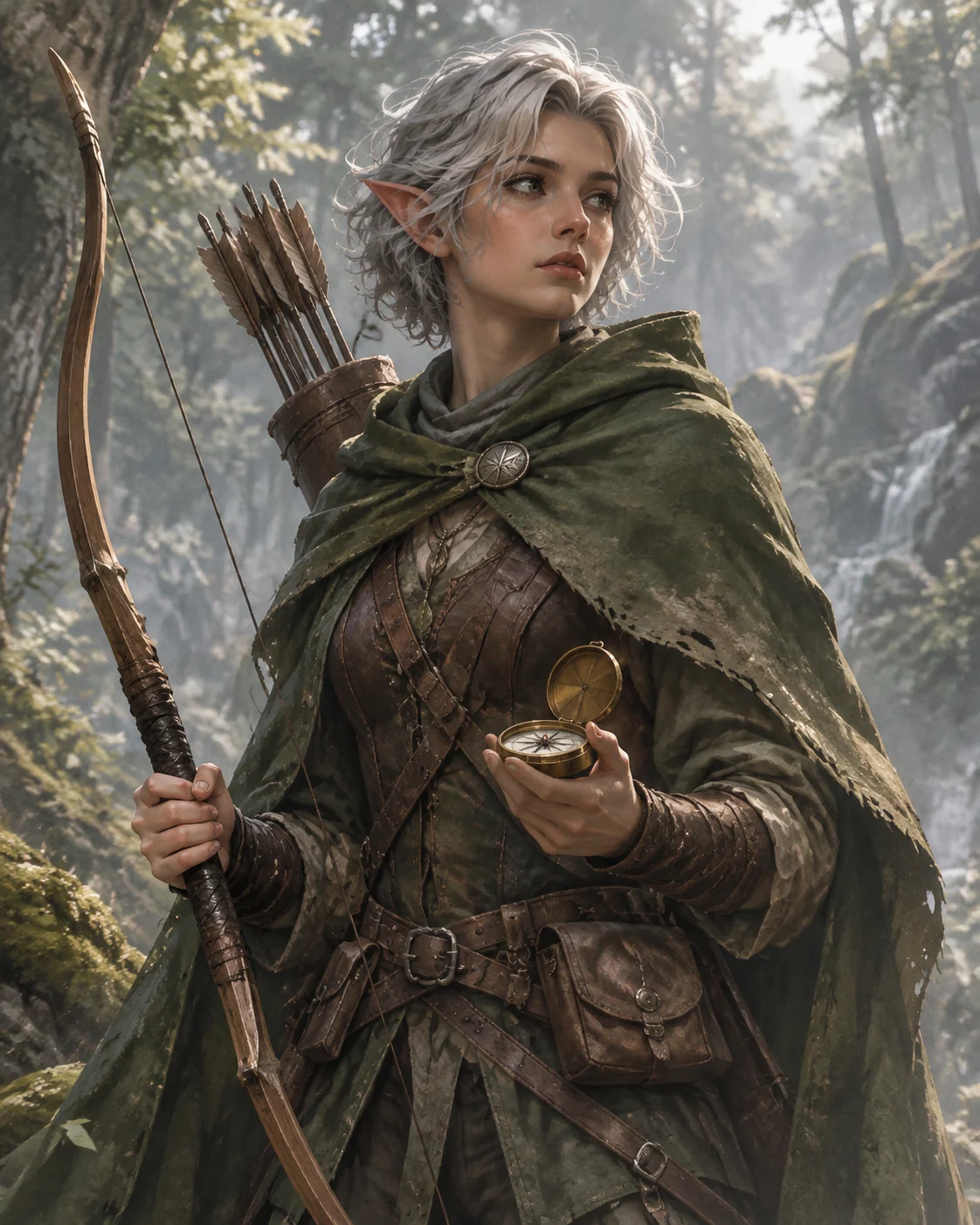
Fictional woodland elf ranger portrait demonstration with a green cloak, longbow, and brass compass
MADE WITH FAYVORO · Created with Fayvoro from the prompt below. This is an original demonstration, not a customer example.
A FEW WAYS IN

Explore the example. Make it yours.

Open a prompt to see the starting idea.
You choose when to generate.

Fictional woodland elf ranger portrait demonstration with a green cloak, longbow, and brass compass
MADE WITH FAYVORO

Fictional woodland ranger character demo

Created with Fayvoro from the prompt below. This is an original demonstration, not a customer example.

Explore the prompt

Create an original fantasy role-playing character portrait: a thoughtful woodland elf ranger with short silver hair, a weathered green cloak, a simple longbow, and a small brass compass. Three-quarter view, readable practical equipment, misty forest background, painterly adventure-book illustration, soft directional light. No text, logos, statistics, or existing franchise characters.

MAKE IT MORE YOURS

A little intention. A different image.

01

Translate a character sheet into visual cues

Start with the details a viewer can see: ancestry, age, build, clothing, and equipment. Then choose one or two personality clues, such as a cautious stance or a well-repaired cloak. A class name can guide the theme, but concrete objects make the portrait more specific. Describe the character in your own words instead of relying on a lengthy rules summary.

02

Make the equipment readable

Too many weapons, pouches, and magical effects can crowd a portrait. Pick the signature item that matters to the character and describe how it is carried. Ask for a simple background if you plan to crop the image into a virtual tabletop token. A taller composition works better when armor, a staff, or a traveling cloak should remain visible.

03

Use the art as a campaign companion

Compare the generated gear and anatomy with your character idea before sharing it with the group. You can revise a color, expression, or accessory in another prompt, though details can vary across images. This tool creates visual artwork; it does not calculate ability scores, validate a build, or supply game rules. Keep those decisions with your character sheet and the campaign’s agreed rules.

BEFORE YOU BEGIN

A few useful answers.

Does it generate DnD statistics or a playable character sheet?+

It creates character artwork from your description. It does not calculate statistics, select legal features, or validate rules for a particular game edition.

Can I describe a homebrew ancestry or class?+

Yes. Explain the visible traits and equipment in plain language. Details such as stone-like skin, woven armor, or a lantern staff are more actionable than an unfamiliar class name alone.

Can I use the portrait as a tabletop token?+

You can download the image and crop it in your token tool. Ask for a clear face and uncluttered background if the token will be small.

Can I generate a whole party together?+

You can request a group scene, but multiple characters make equipment and faces harder to control. Individual portraits give each adventurer more room and are easier to review.

THE NEXT IMAGE COULD BE YOURS

Follow the idea.