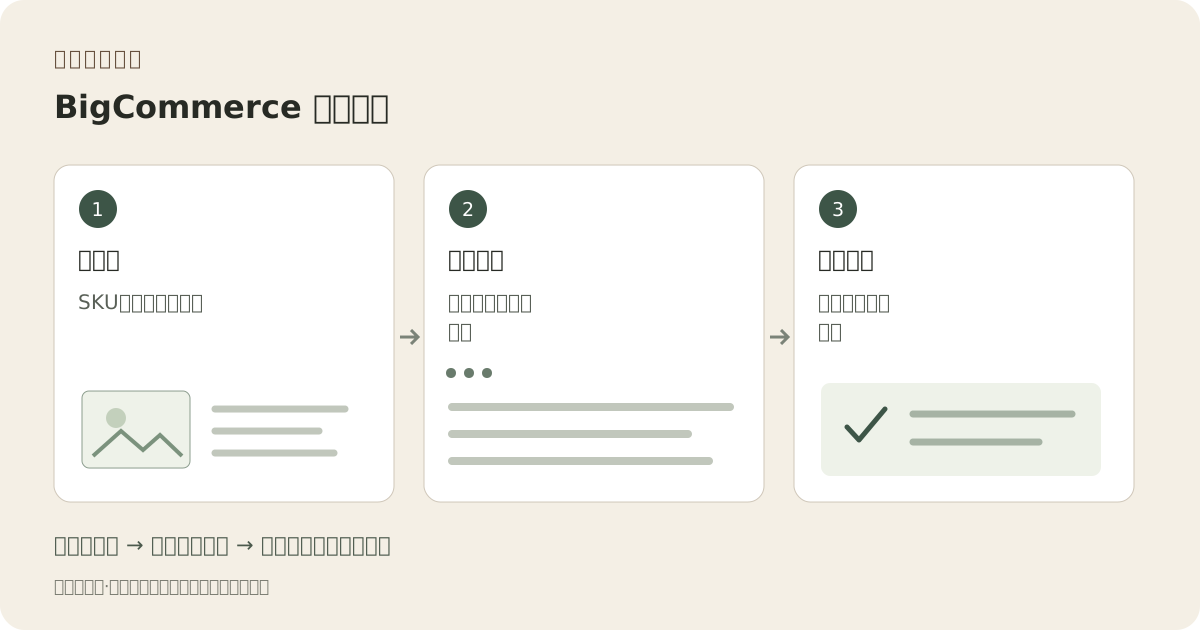
产品故事 / 创意指南

BigCommerce 产品图片

将图像URL视为目录记录部分。

A catalog import can point to an attractive file that belongs to a different SKU. Keep the real product, approved image URL and intended thumbnail or variant role together before moving any new scene into BigCommerce.

注册获取3个免费积分 · 含起始方向指导。查看示例
原创插图工作流程:目录行,托管文件,导入产品
编辑概念
01 / 示例示意概念
这表示什么

为每张图片分配具体交付任务。

此示范工作流将图像创作与自行完成的检查和发布步骤分开。此流程为规划辅助,非经测试的集成或上架审批证据。

原创插图工作流程:目录行,托管文件,导入产品
编辑概念原始教学图,不是产品照片、Fayvoro 产出、平台截图或客户案例。

此图像为本网站编辑概念作图。非Fayvoro生成或客户成果。 AI 可更改产品形状、颜色、包装、标签和文字。比对所有重要细节与实物一致。

你的起始创意

选一个方向。 创作你的风格。

从我上传的真实产品探索补充场景。显示完整轮廓,留出正方形裁剪空间。不要更改变体色、包装文字、包含件数或识别特征。下载前我会批准,然后加至目录。
在工作室添加您的参考照片,然后调整方向。
发布前。

比较结果与您的实际产品及目标需求。

  • 图片网址无需登录或分享页面步骤即可返回文件。
  • Actual format, dimensions and file size match the chosen import path.
  • SKU、缩略图及变体分配已在试点测试中检查。
  • 实时店面图片匹配导入目录记录。
02 / 实用工作流程从您的照片开始
01

准备一个试运营目录行。

The BigCommerce import guide describes image rows and a referenceable HTTP or HTTPS image URL. Start with one product that has a main image and a meaningful variant. Record the exact SKU, file, intended thumbnail role and variant assignment. This pilot is easier to investigate than an entire catalog of uncertain URLs.

02

核对交付文件本身而非其名称。

The current guide lists JPEG/JPG, GIF, WebP and PNG, an 8 MB maximum and an optimal 1280 by 1280 size. A renamed extension does not change the actual file type. Open the public file, inspect dimensions and byte size, and make a separate web export when needed. An editing-document link is not an image URL.

03

保持变体事实不做生成猜测。

The import guide states that one image can be added per variant. Decide which exact view identifies that option; do not assign a styled image that obscures the difference. Fayvoro can supply a reviewed supplementary scene through manual download, but has no BigCommerce catalog connector or variant mapping automation.

04

检查导入产品与回滚记录

After the pilot import, inspect the catalog thumbnail, main product view and the selected option on the live storefront. Check that the URL is reachable and the image belongs to the right item. Keep the previous image mapping, import file and approved replacement so a mismatch can be corrected without guessing which asset changed.

常见问题

一些实用须知。

Does Fayvoro import a BigCommerce catalog?

No. This guide separates image creation from your own catalog upload and import process.

1280×1280 是 Fayvoro 输出承诺吗?

不。它是链接的BigCommerce指南中声明的最佳尺寸。请检查实际生成文件并准备单独导出。

Can an import success message prove the right image appears?

不。导入后检查实物产品和所选变体。错误的URL仍可能指向有效图像。

用心构思, 创作你的图片。